
Lightdow 12x12 Inch (30 x 30 cm) White Balance 18% Gray Reference Reflector Grey Card Double-Sided With Carry Bag Folded Version


Lightdow 12x12 Inch (30 x 30 cm) White Balance 18% Gray Reference Reflector Grey Card Double-Sided With Carry Bag Folded Version
SPECIFICATIONS
Brand Name: lightdow
Choice: yes
Electric: No
High-concerned chemical: None
Model Number: A-KH00008
Origin: Mainland China
Package: Yes
Photography Accessories Type: Tools
Voltage range: No voltage
Description:
Material: PU leather, scrub resistance, memory steel skeleton, million fold without deformation.
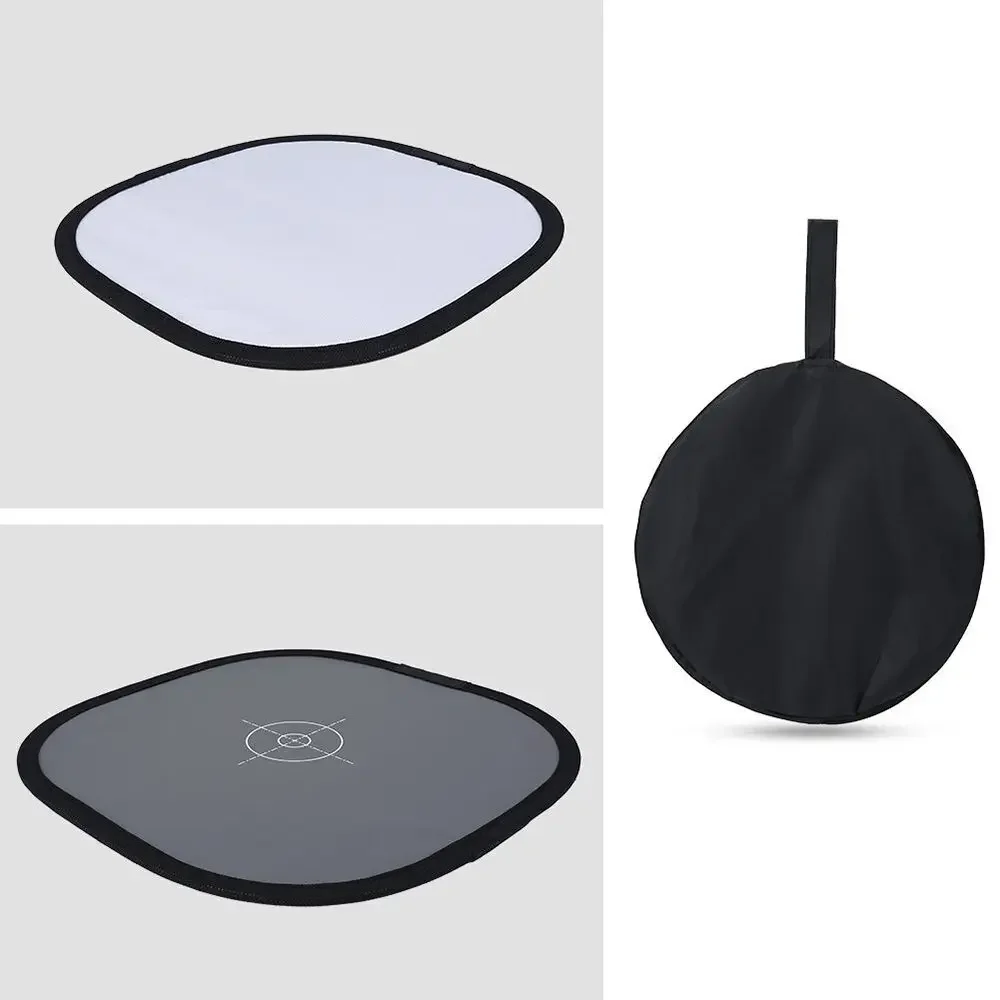
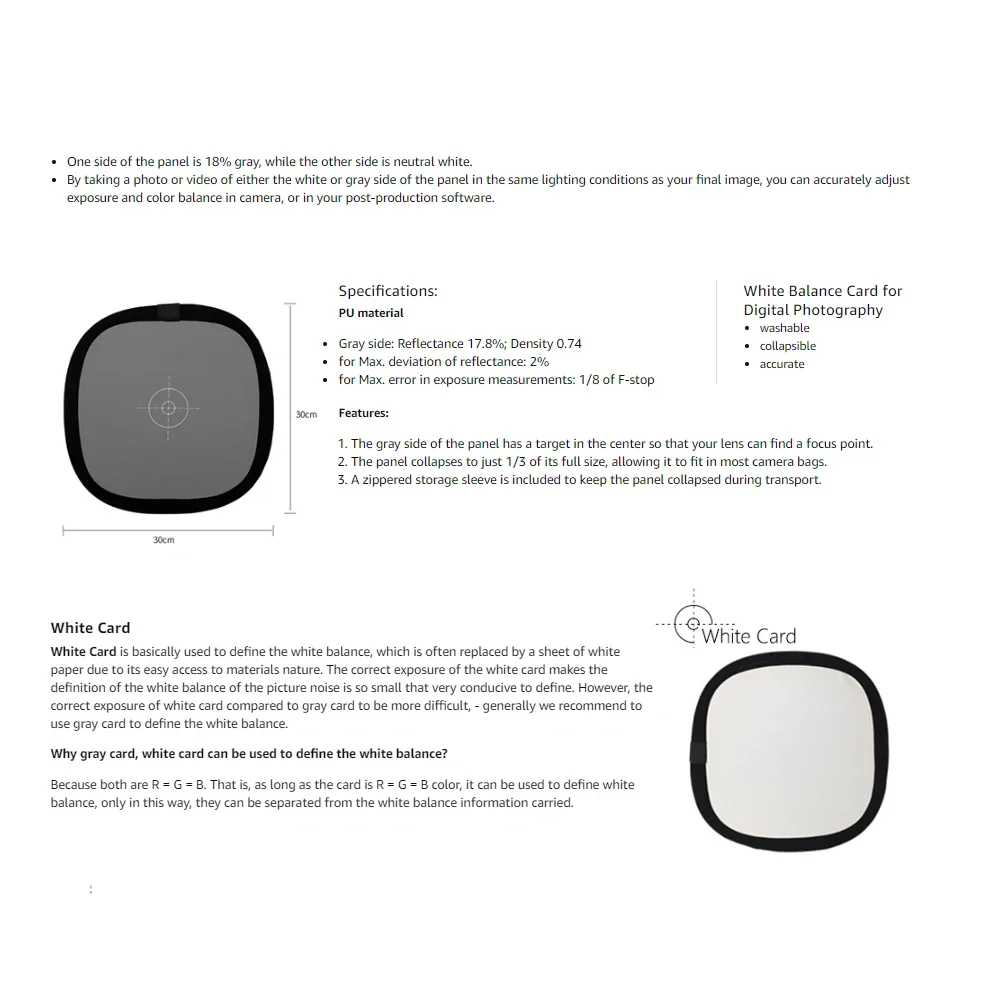
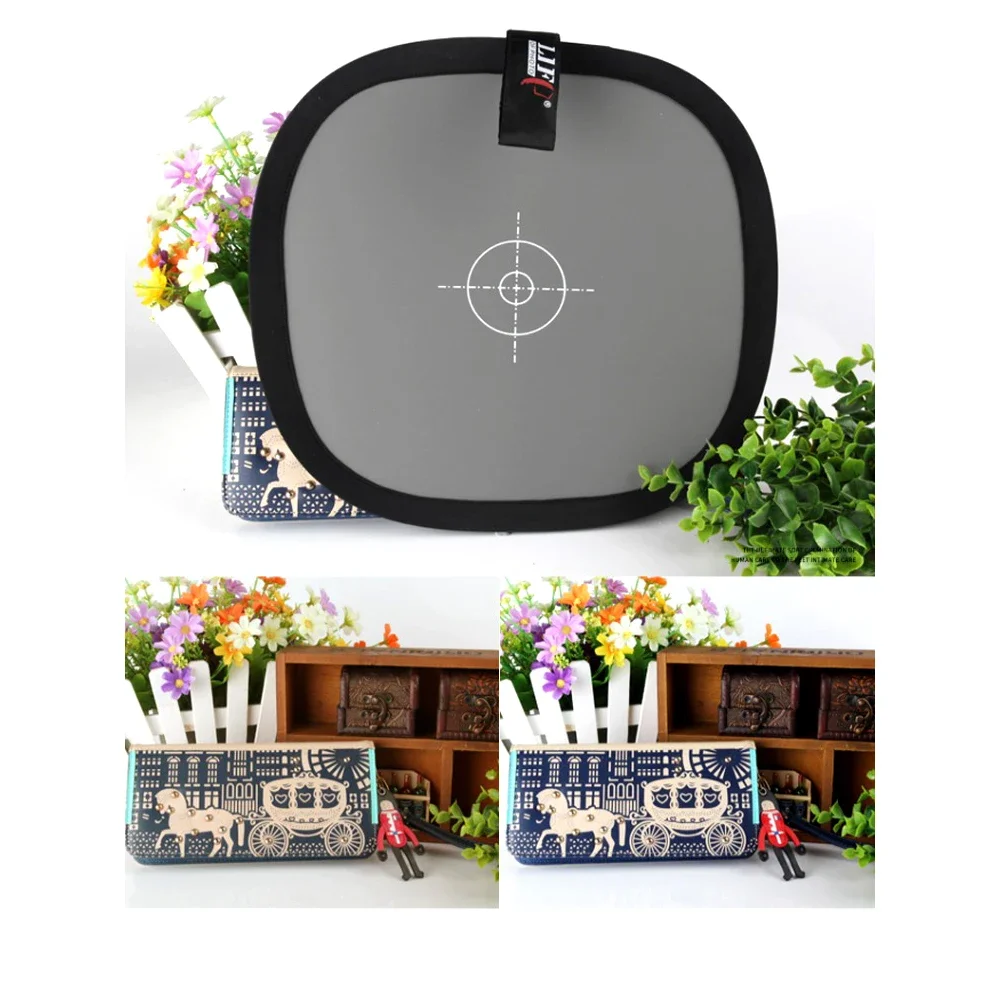
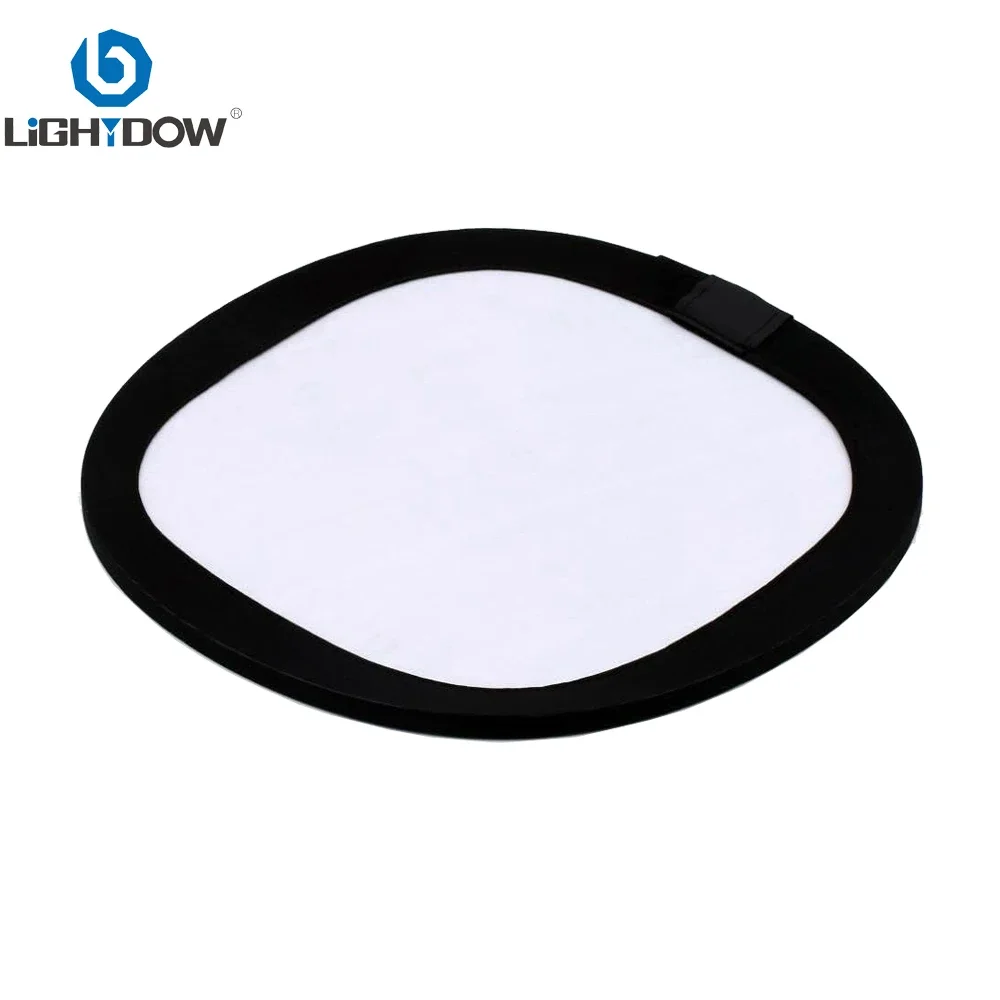
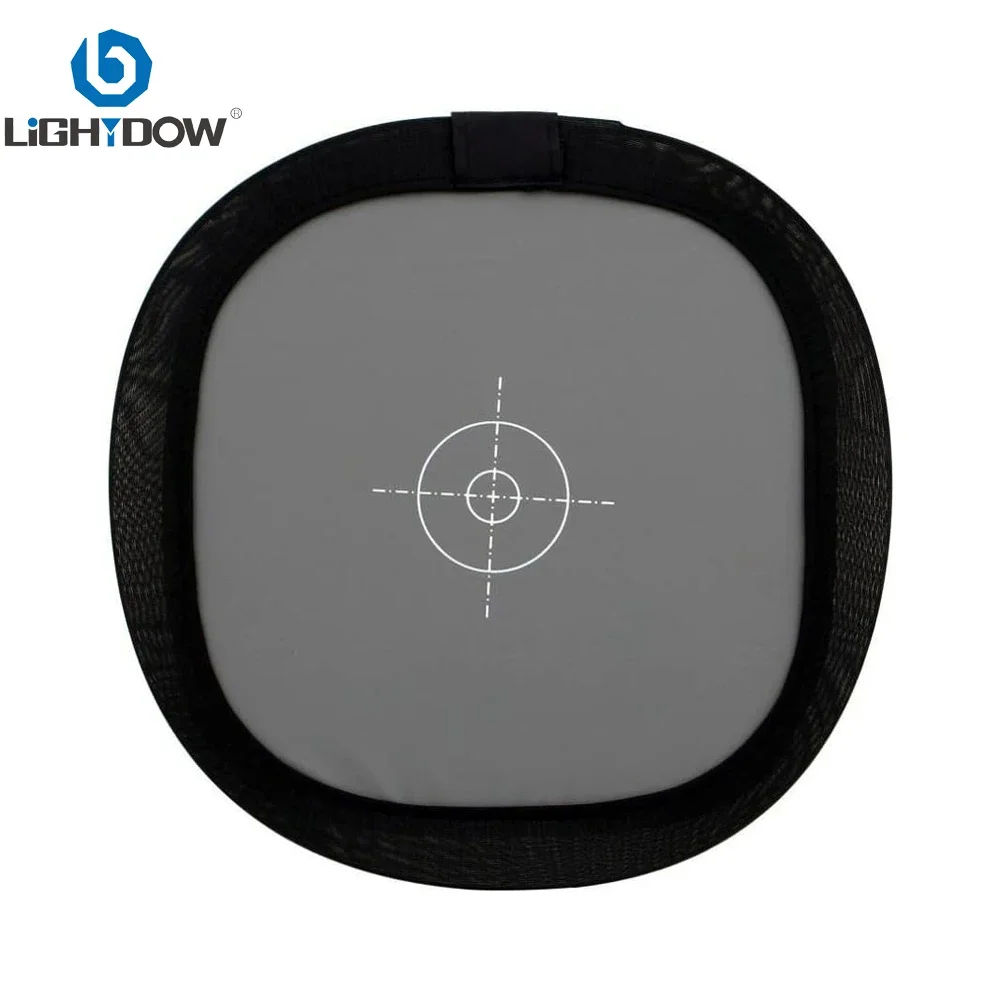
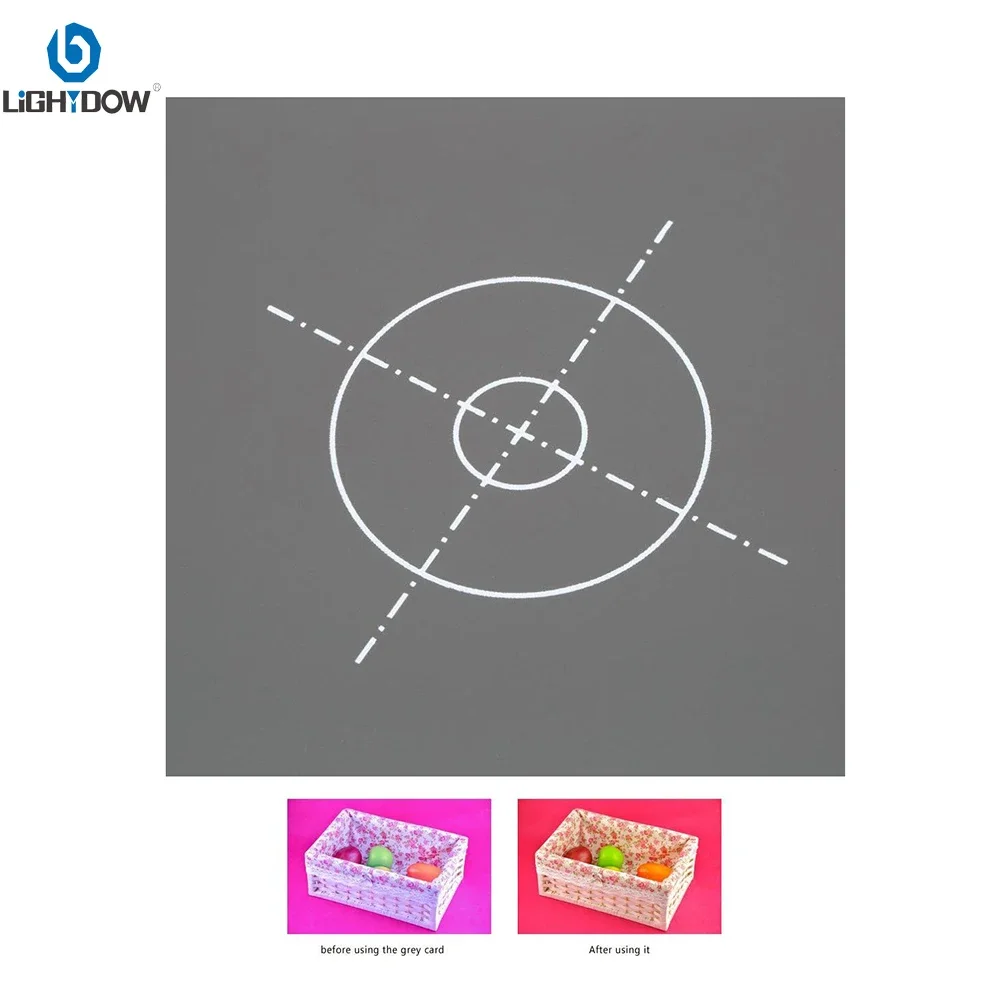
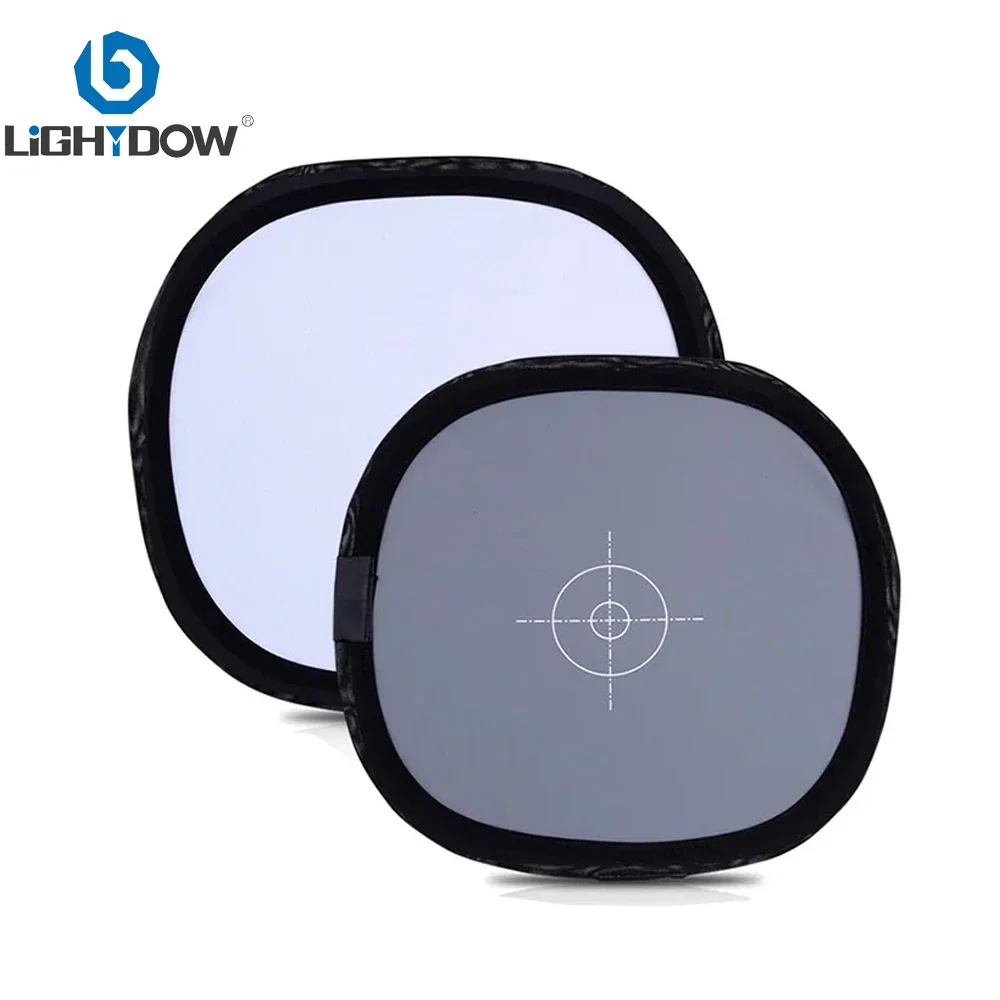
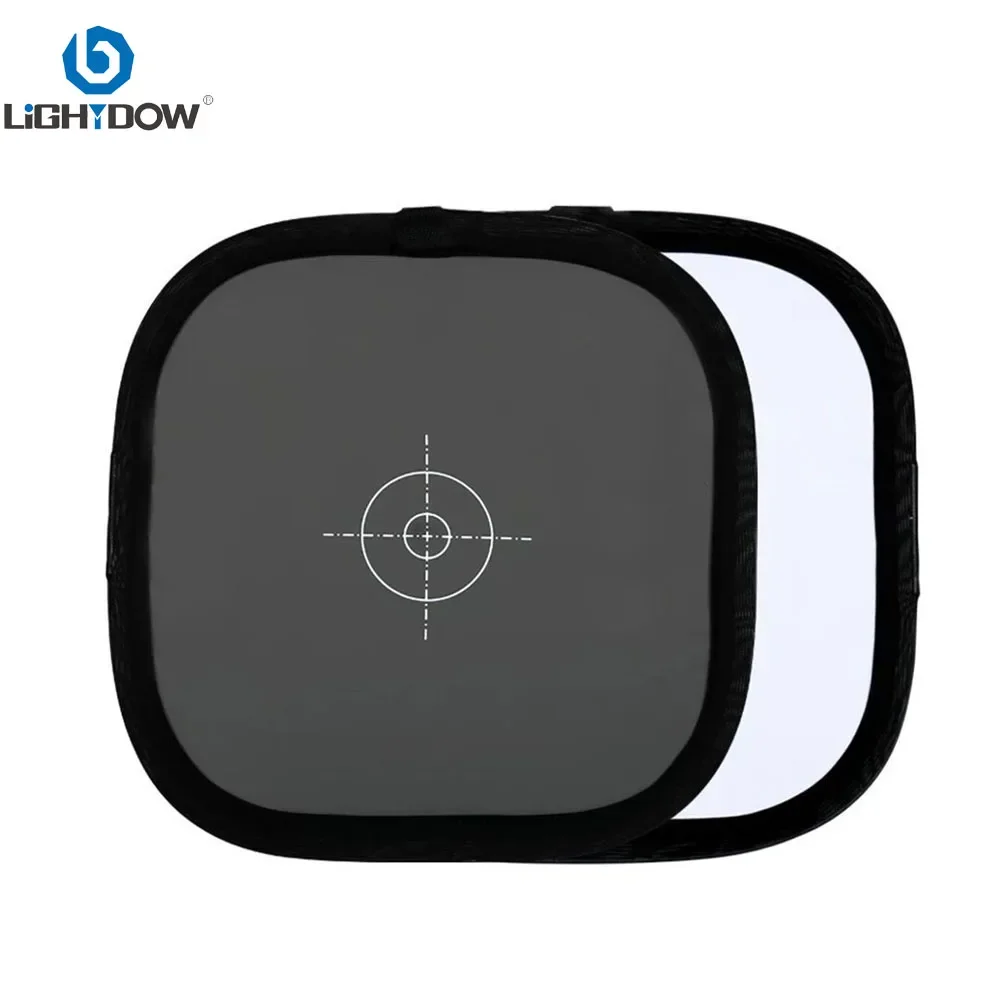
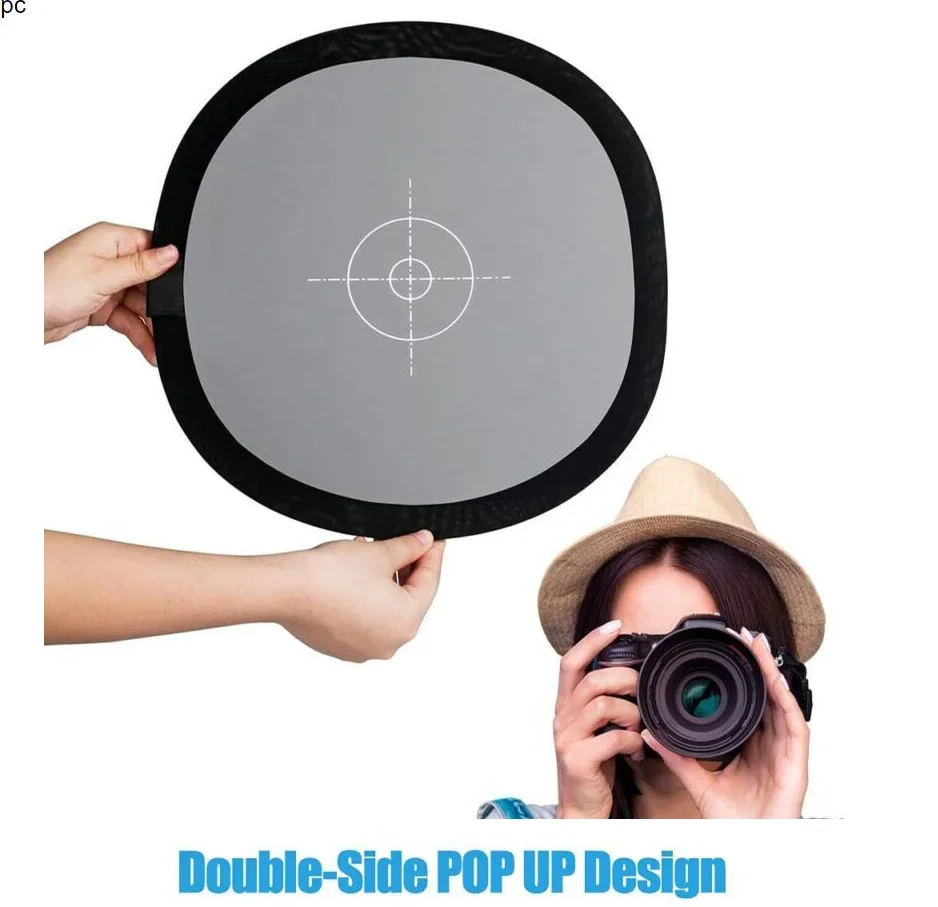
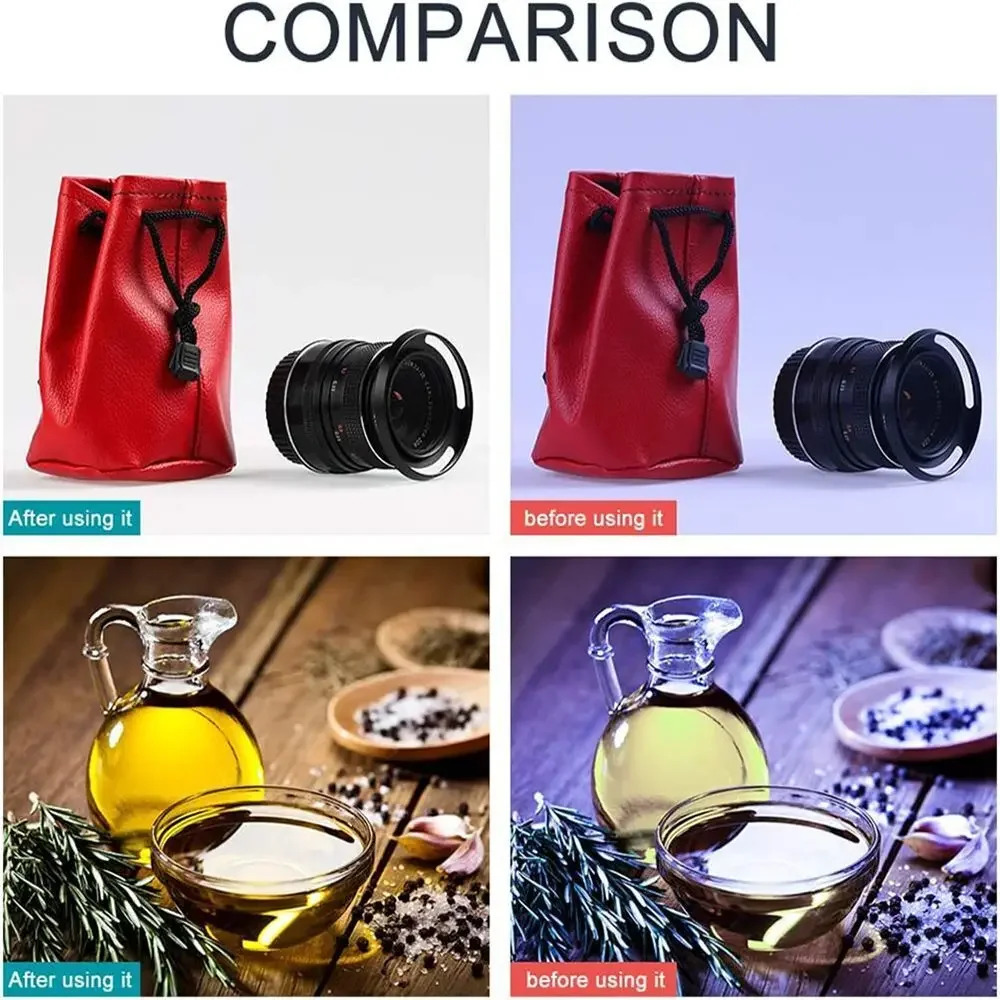
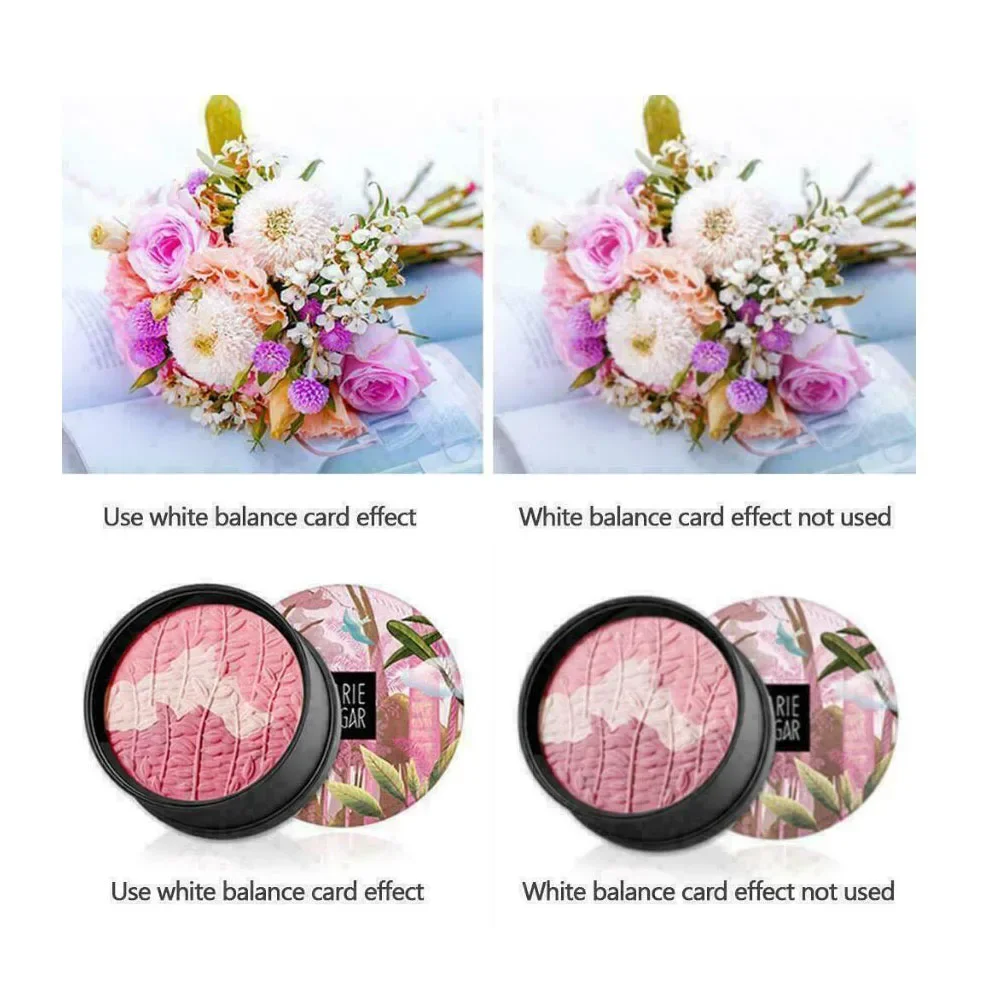
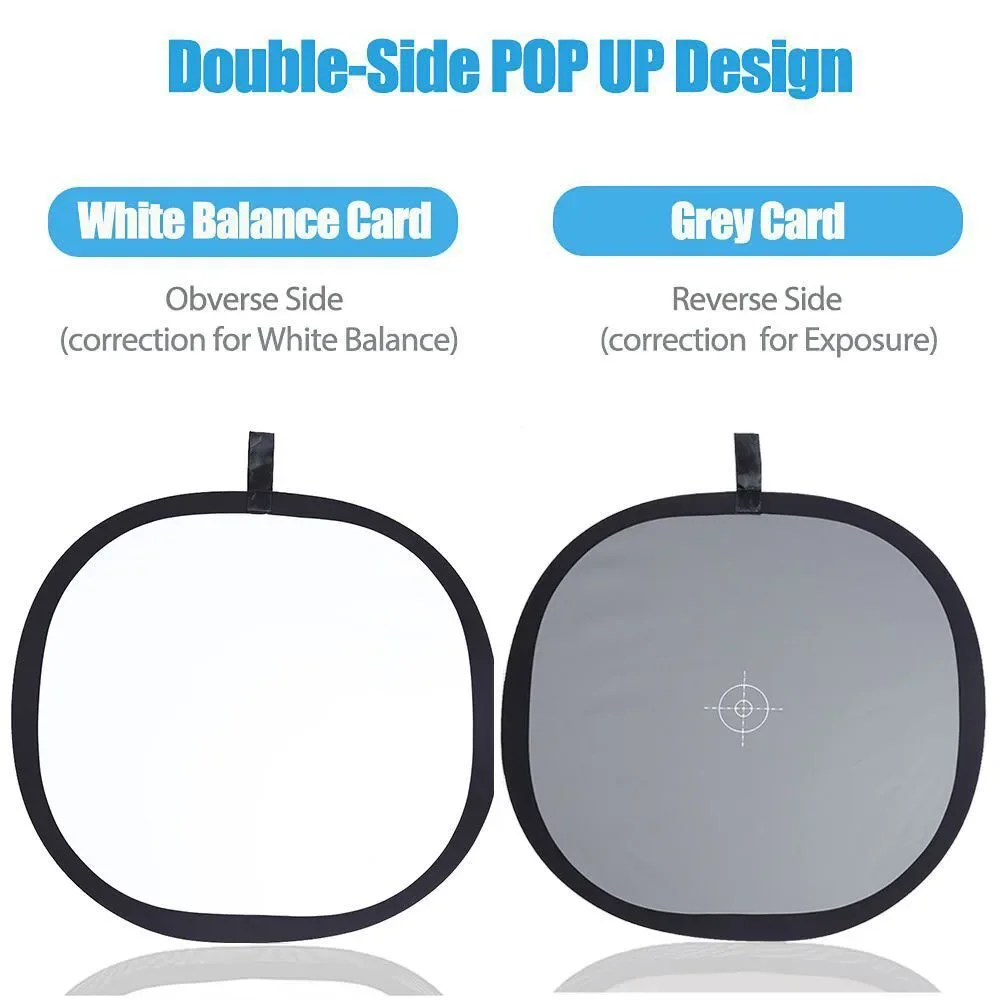
The product one side is gray, the other side is white, one for accurate exposure, while the other for setting the white balance, if the photos you shoot are always too dark or too bright, blue or yellow, then use this.
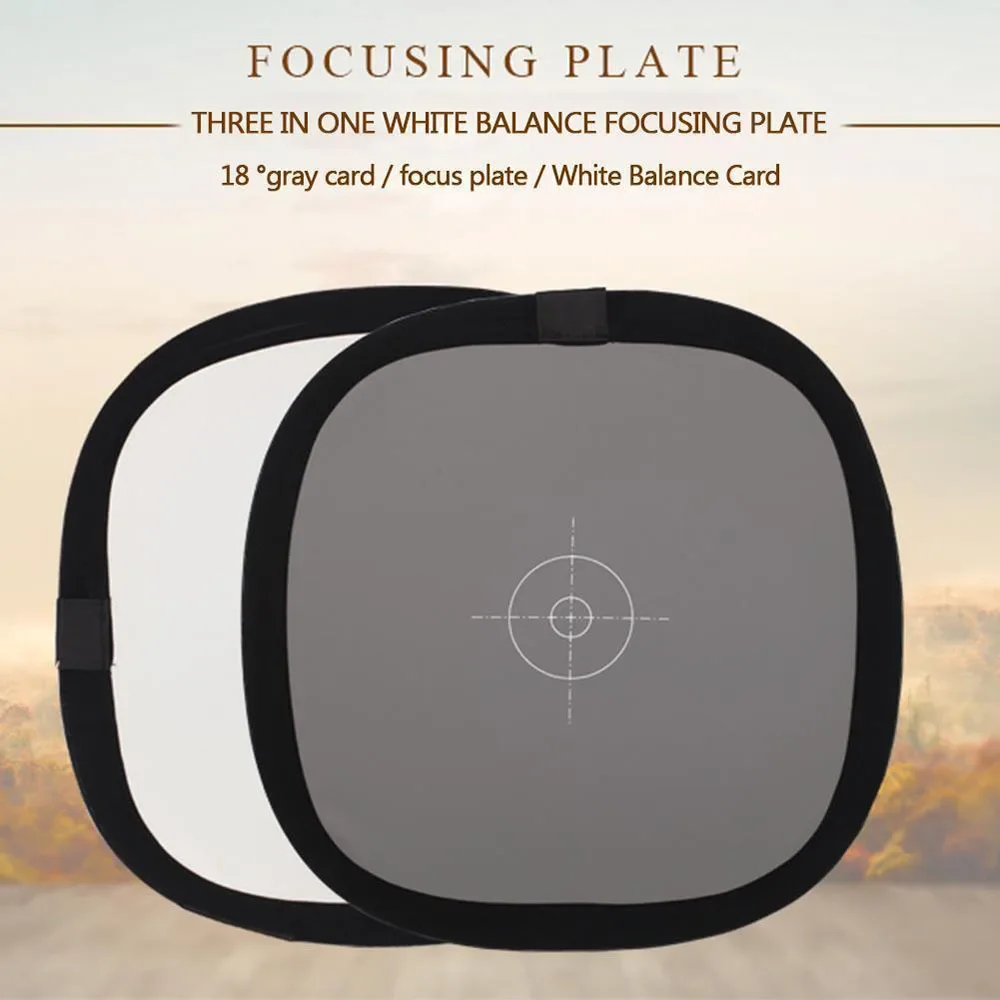
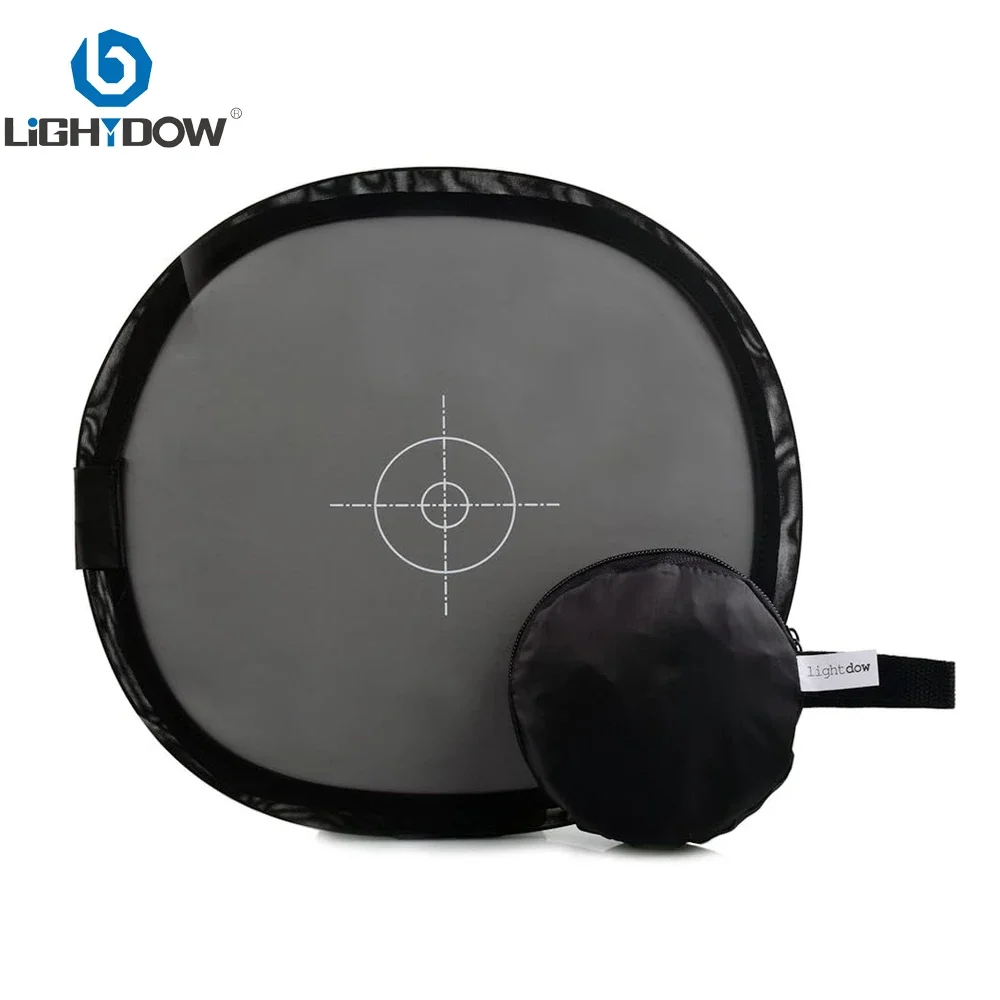
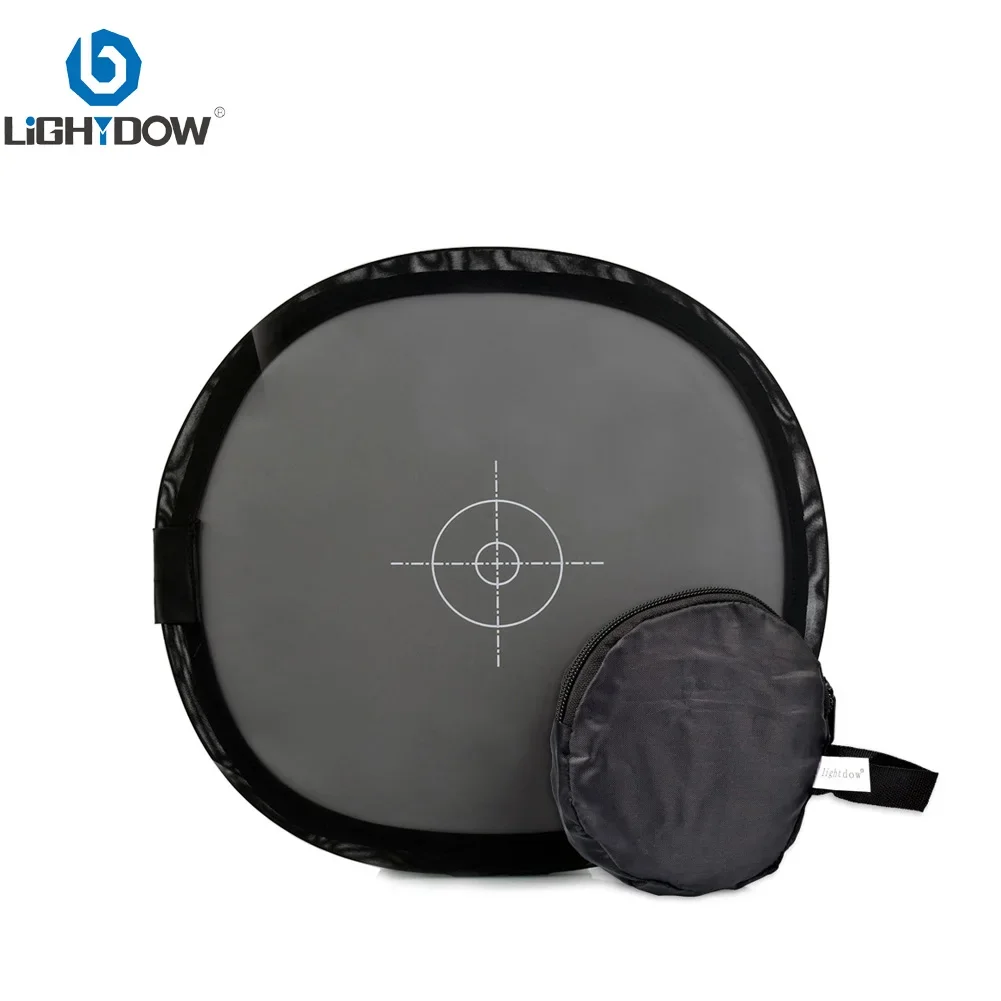
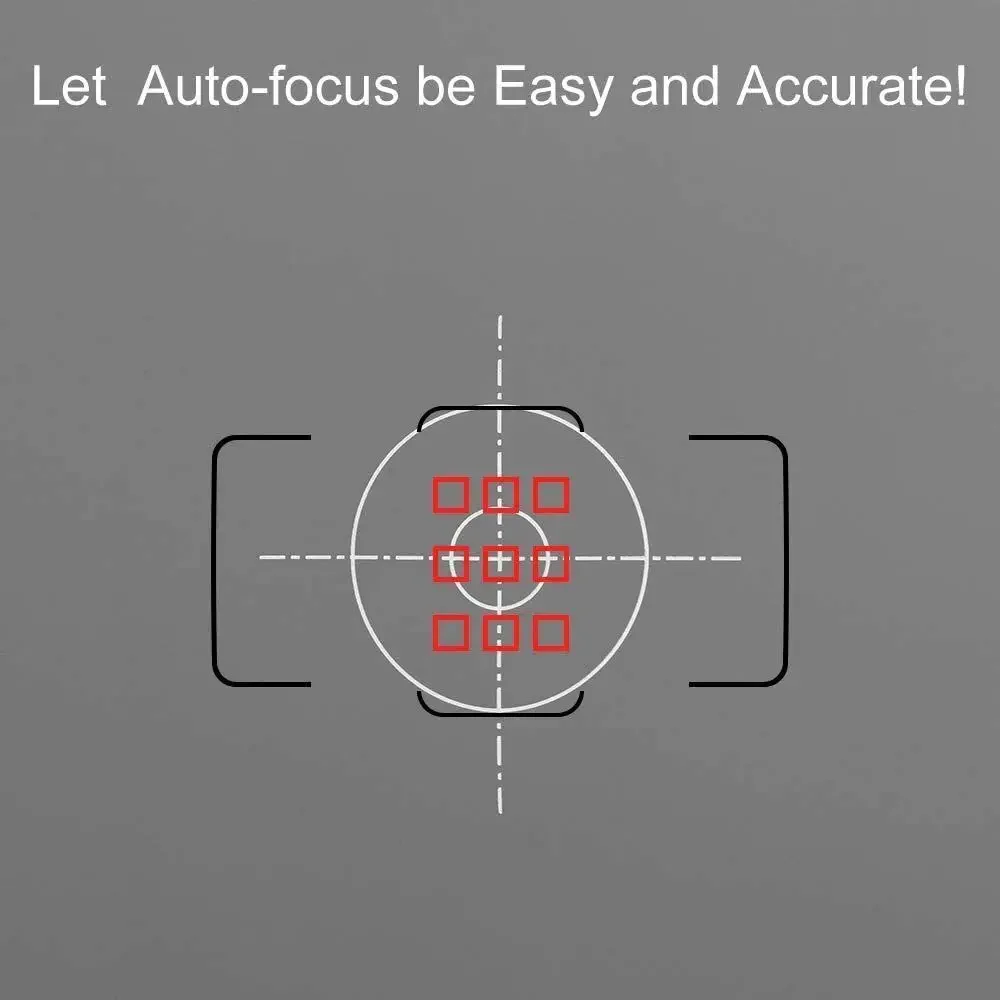
Using the latest double-sided design, the middle of the 18 degrees gray card with a secondary focus scale, the other side is pure white,which is the best way to tune the white balance color of photography, can be folded into the small bag when not in use, easy to carry and use
Advantages compared to ordinary cardboard gray card : can be folded, easy to carry, PU leather texture is not easy to damage, dirty can scrub, long service life.
Specifications:
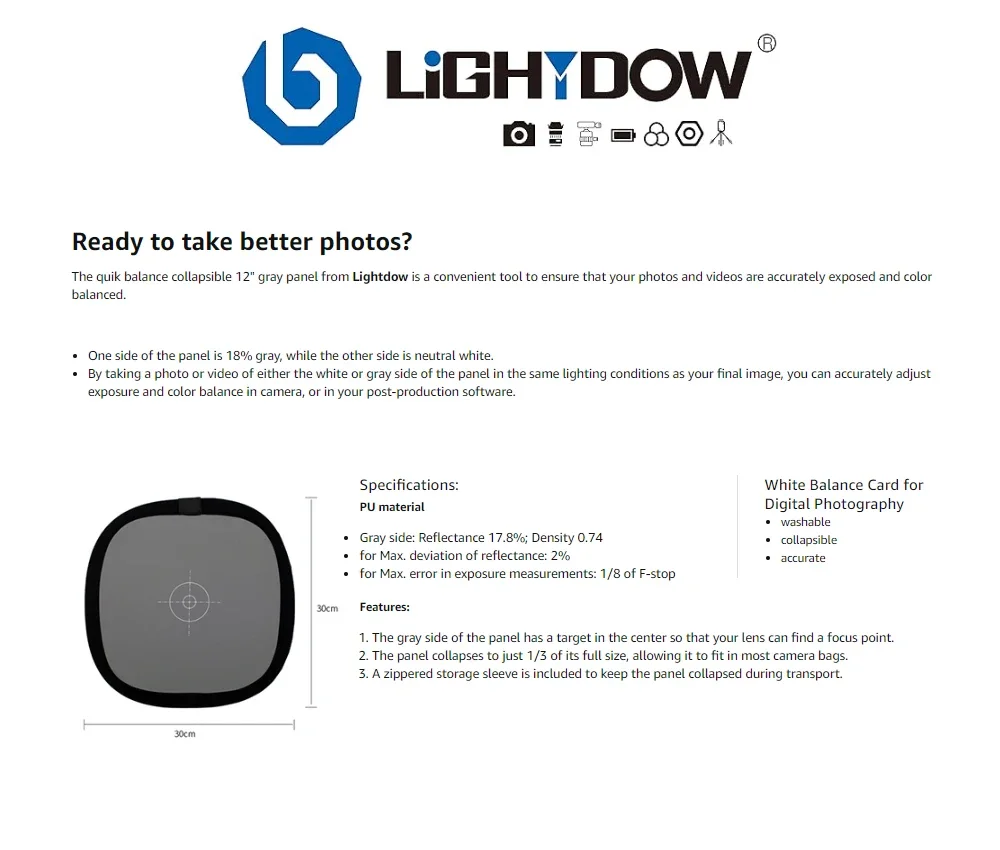
Gray side: Reflectance 17.8%; Density 0.74
for Max. deviation of reflectance: 2%
for Max. error in exposure measurements: 1/8 of F-stop
Size:30 x 30cm
Net weight:about 70g
How to use it :
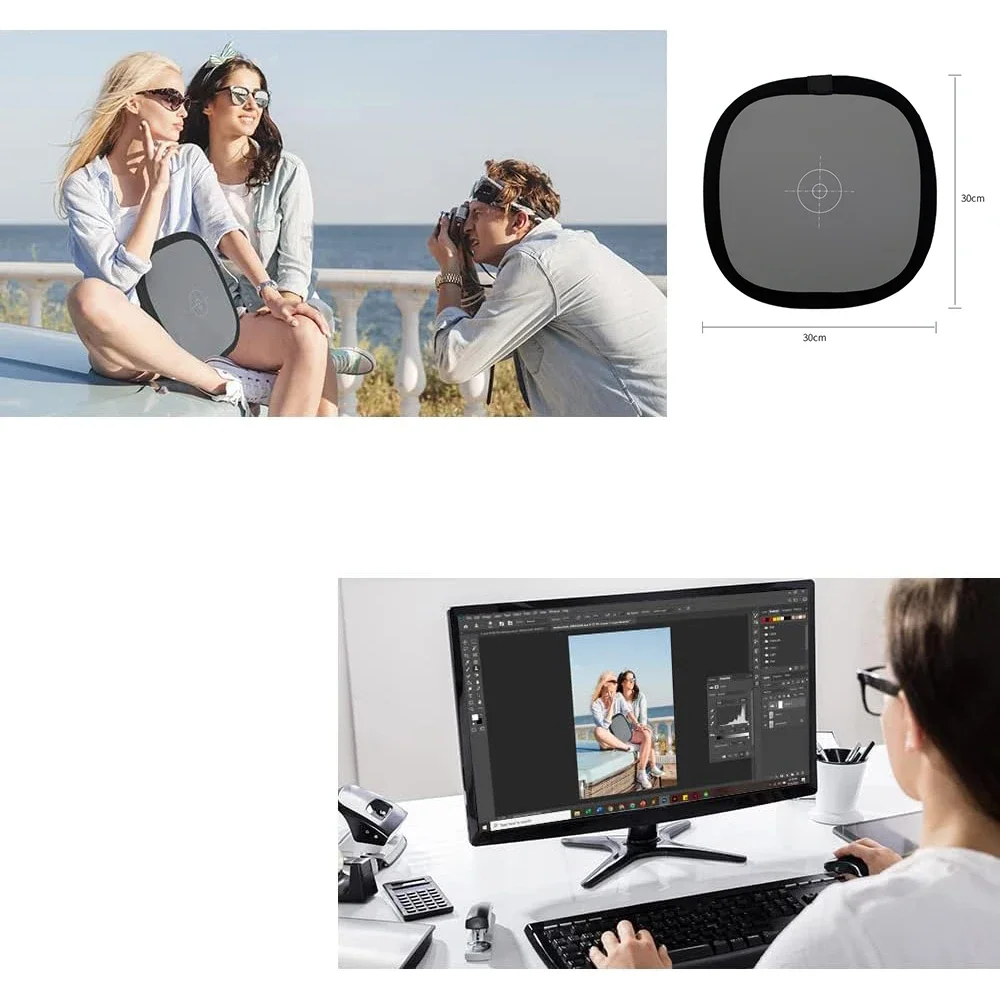
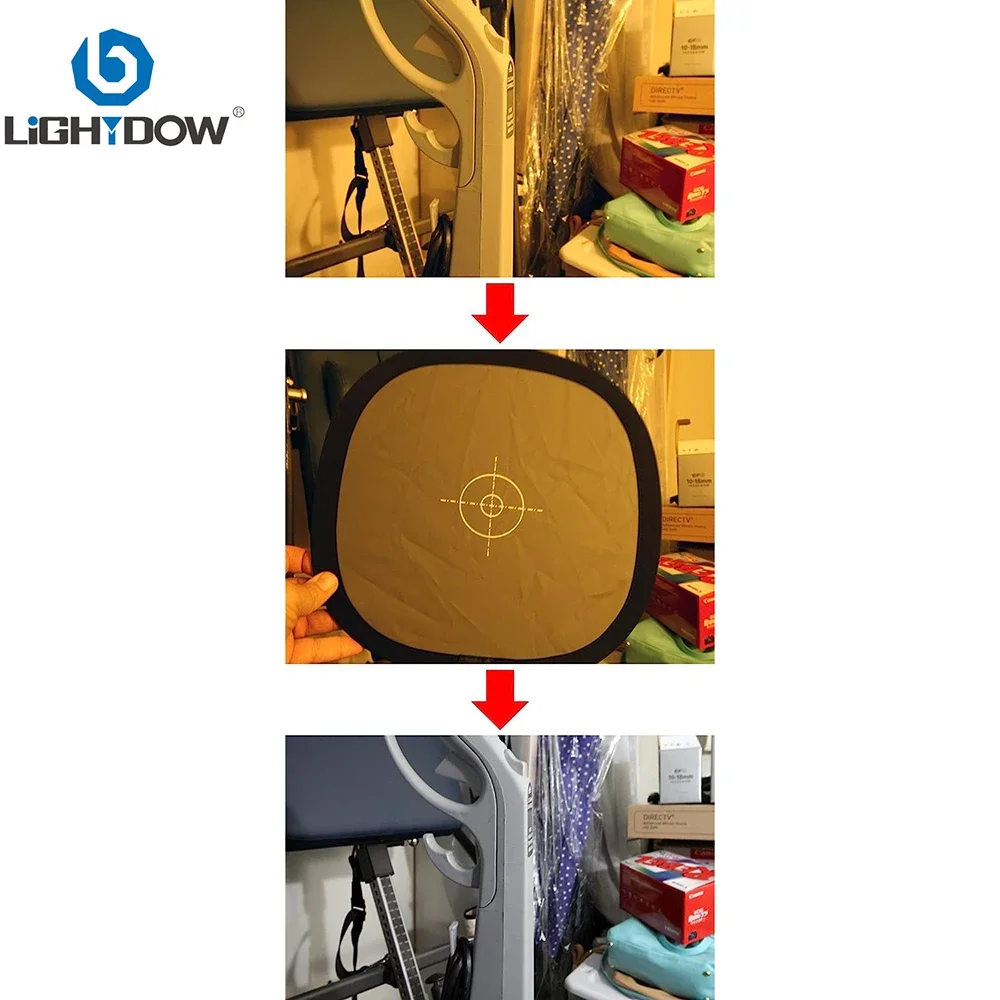
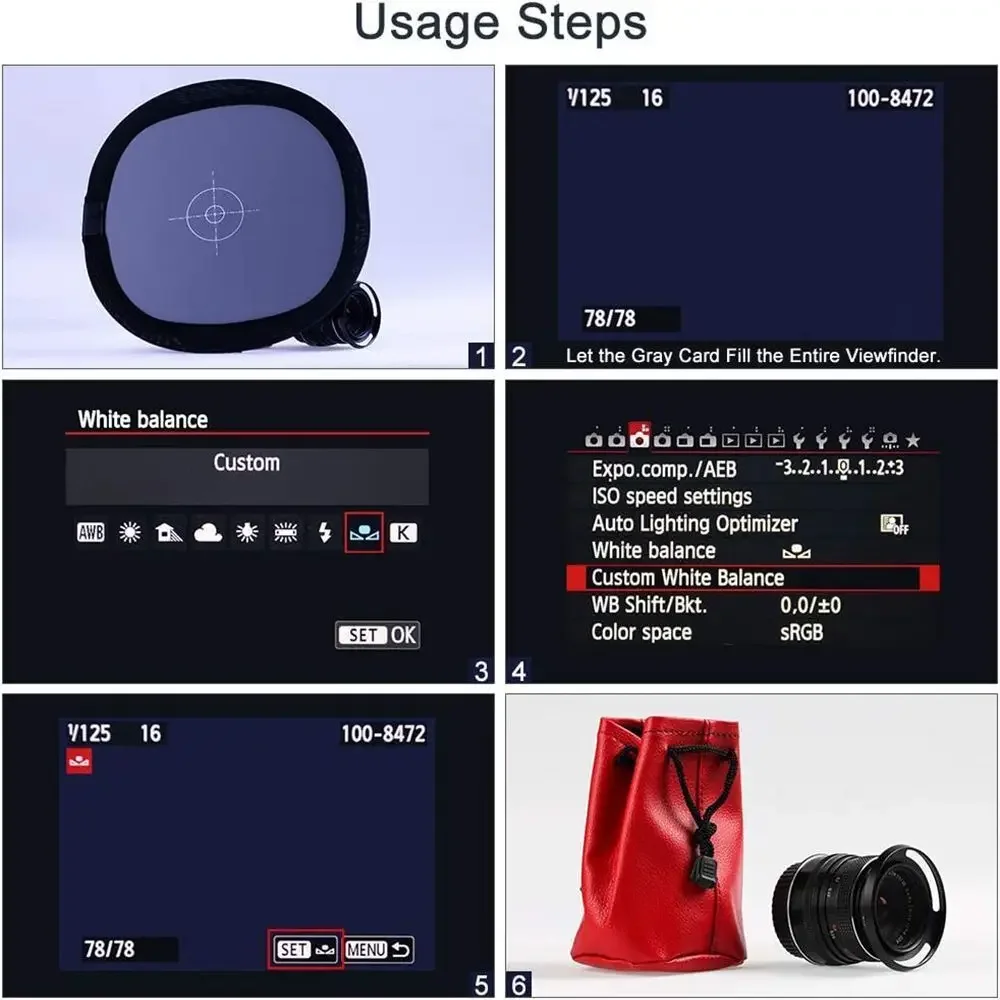
1. Turn the camera's power on and set it in any shooting mode. Toggle the camera's main control wheel to set the white balance to the LCD display PRE position, hold down the WB key for more than 3 seconds, and the display Pre starts to blink You can make a manual white balance setting. At this point the lens alignment gray card press the shutter, if the measurement is successful, the LCD display will show Gd ..
1/2/3/5 x 12 "/30cm Grey/White Balance Card
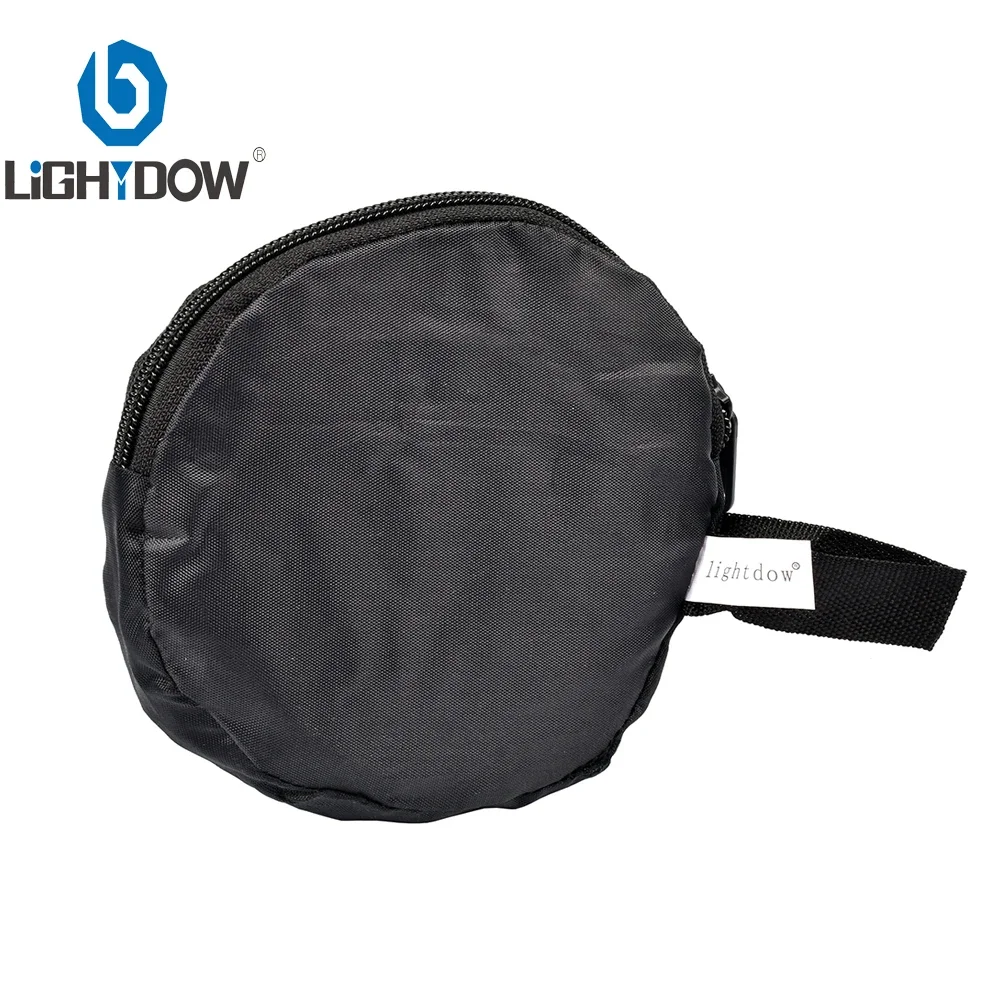
1 x carrying bag\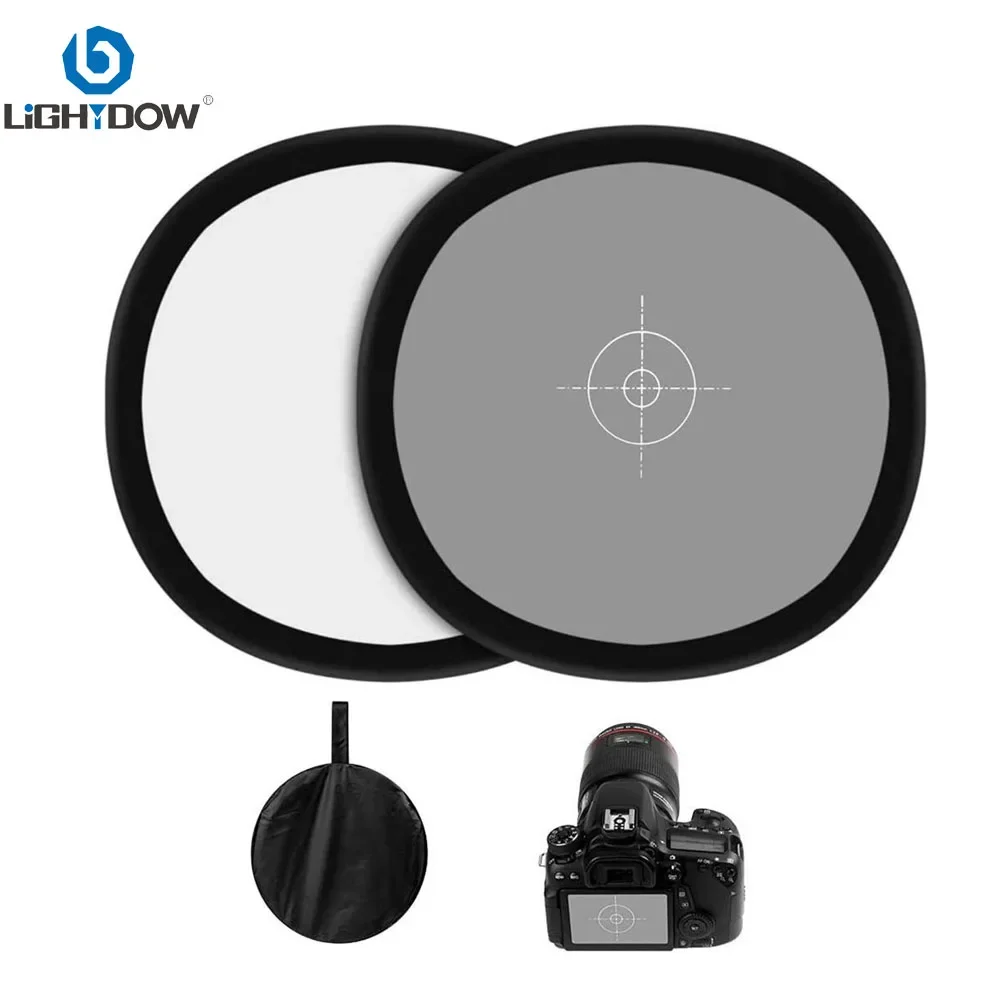
How to Fix WB In-Camera With a Grey Card
The exact way of setting the white balance in camera with a grey card might differ from below, depending on the manufacturers.
Check your camera manual or search on Google about custom white balance and specify your camera’s model.
Place the grey card in the scene;
Set the camera to manual focus;
Frame the shot so that the grey card fills the whole frame. Don’t worry about the sharpness of the image. It will work fine even if it’s out of focus;
Check exposure and adjust if you need to;
Press the WB button while turning the main dial until you select PRE.
Release the button. Press and hold it again until the letters PRE start flashing.
Take the photo of the grey card before PRE stops flashing.
That´s all! The camera has just created a WB preset based on the photo you just took.
In other camera models, you might need to take a photo of the grey card and then select it in the Custom White Balance as the reference image.